
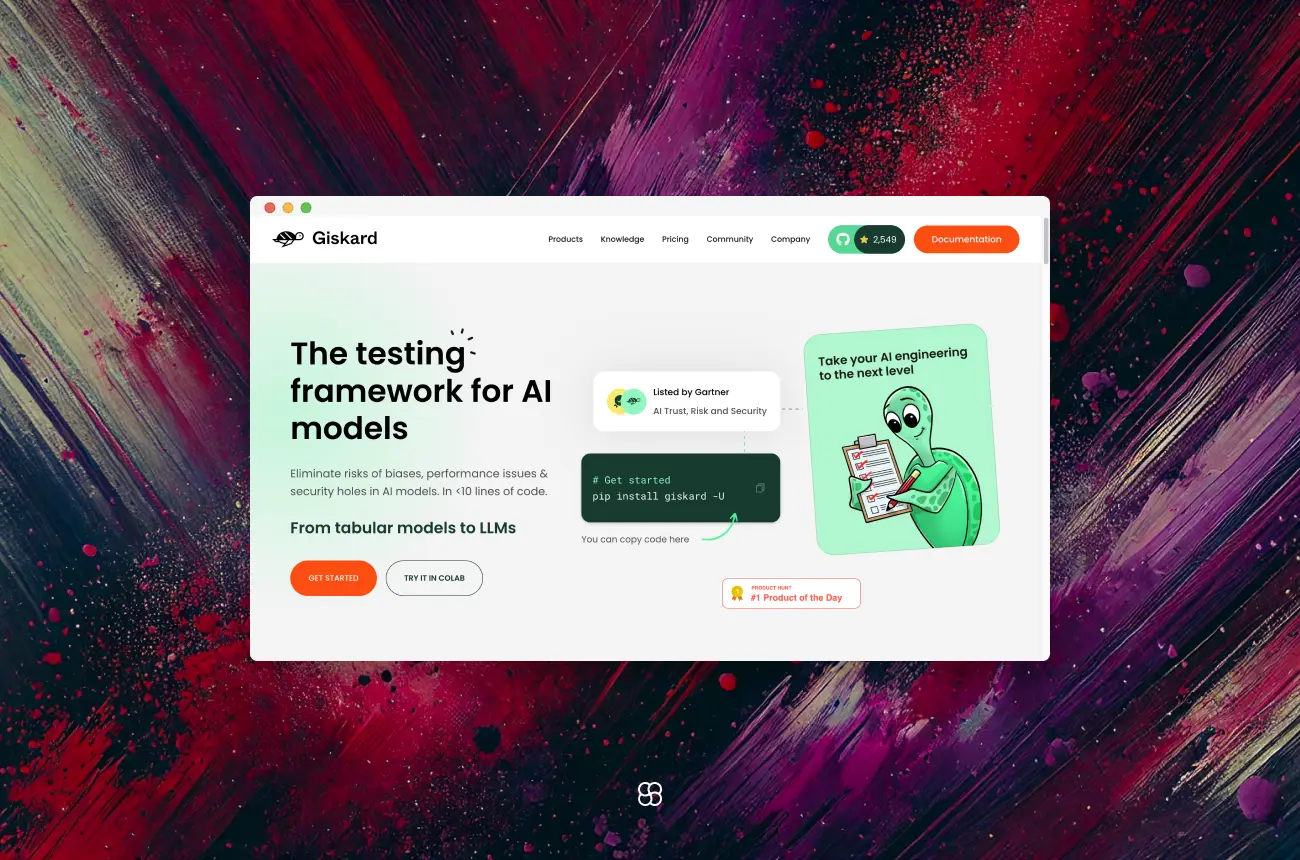
Ensuring the quality, fairness, and security of artificial intelligence (AI) models is paramount as they become increasingly integral to decision-making processes across various industries. Giskard, an open-source testing framework, offers a comprehensive solution to evaluate and enhance machine learning (ML) models. This article provides an in-depth guide to Giskard's framework, its benefits, and a step-by-step tutorial to get started.
What is Giskard?
Giskard is an open-source Python library designed to automatically detect performance, bias, and security issues in AI applications. It supports a wide range of models, including those based on Large Language Models (LLMs) and traditional ML models for tabular data.
Key Features:
- Automated Vulnerability Detection: Giskard scans models to identify issues such as hallucinations, harmful content generation, prompt injection, robustness problems, sensitive information disclosure, and discrimination.
- Retrieval Augmented Generation Evaluation Toolkit (RAGET): For Retrieval Augmented Generation applications, Giskard offers RAGET to automatically generate evaluation datasets and assess the accuracy of RAG application responses.
- Seamless Integration: Giskard is compatible with various models and environments, integrating smoothly with existing tools and workflows.
Benefits of Giskard
- Comprehensive Model Evaluation: Beyond traditional metrics, Giskard assesses models for fairness, robustness, and explainability, ensuring a holistic evaluation.
- Built-in Bias Detection: Giskard identifies and helps mitigate biases across different demographic or categorical groups, promoting equitable model performance.
- Automated Testing Pipelines: It integrates seamlessly with Continuous Integration/Continuous Deployment (CI/CD) workflows, enabling continuous testing and monitoring of models.
- Interpretability: Giskard provides insights into model predictions, enhancing transparency and trust in AI systems.
Getting Started with Giskard
Installation and Setup
To install Giskard, ensure you have Python 3.9, 3.10, or 3.11. Use pip to install the latest version:
pip install "giskard[llm]" -UThis command installs Giskard along with support for LLM models.
First Steps
- Import the Library: Begin by importing Giskard into your Python environment:
import giskard- Set Up a Giskard Project: Create a new project to test your ML model.
project = giskard.Project("my_project")- Load Your Model and Dataset:
- For Scikit-Learn Models:
from giskard.models import ScikitLearnModel
from giskard.datasets import Dataset

# Example: Using a scikit-learn model and dataset
model = ScikitLearnModel(your_model, model_type="classification")
dataset = Dataset(your_data, target_column="target")

project.add_model(model)
project.add_dataset(dataset)- For PyTorch Models:
from giskard.models import PyTorchModel
from giskard.datasets import Dataset

# Example: Using a PyTorch model and dataset
model = PyTorchModel(your_model, model_type="classification")
dataset = Dataset(your_data, target_column="target")
Step-by-Step Example: Building and Testing a Simple Agent
Here’s a practical example of using Giskard with a logistic regression model for binary classification.
Step 1: Train a Simple Model
from sklearn.model_selection import train_test_split
from sklearn.linear_model import LogisticRegression
from sklearn.datasets import load_iris
import pandas as pd

# Load the dataset
iris = load_iris()
data = pd.DataFrame(iris.data, columns=iris.feature_names)
labels = (iris.target == 0).astype(int)  # Binary classification for class 0

# Split into training and testing
X_train, X_test, y_train, y_test = train_test_split(data, labels, test_size=0.2, random_state=42)

# Train a logistic regression model
model = LogisticRegression()
model.fit(X_train, y_train)
Step 2: Initialize Giskard
from giskard.models import ScikitLearnModel
from giskard.datasets import Dataset

# Wrap the model and dataset for Giskard
wrapped_model = ScikitLearnModel(model, model_type="classification")
dataset = Dataset(X_test, y_test, target="target")
Step 3: Bias Detection
Detect biases in the model’s predictions.
import giskard

# Initialize the Giskard client
client = giskard.Client(url="http://localhost:19000", username="your_username", password="your_password")

# Upload the model and dataset to the Giskard server
project = client.create_project("my_project", "My Project")
project.upload_model(wrapped_model, "logistic_regression_model")
project.upload_dataset(dataset, "iris_test_dataset")

# Run bias detection
bias_report = project.scan(wrapped_model, dataset, only="bias")

# Print bias results
print(bias_report)
Step 4: Quality Testing
Run automated quality tests to ensure the model meets performance standards.
# Run performance tests
performance_report = project.scan(wrapped_model, dataset, only="performance")

# Display quality metrics
print(performance_report)
Step 5: Generate a Report
Create a comprehensive report to share with stakeholders.
# Generate and download the report
project.generate_report(output_dir="./giskard_report")
Advanced Features and Customization
Giskard offers a range of advanced functionalities that allow for tailored testing and evaluation of machine learning models.
1. Customized Scan Configurations:
Giskard's scanning capabilities can be fine-tuned to focus on specific aspects of your model.
- Limiting to Specific Detectors:
If you want to run only a specific detector or a group of detectors, you can use the only argument.
import giskard as gsk

# Run only robustness detectors
report = gsk.scan(my_model, my_dataset, only="robustness")

# Run multiple detectors
report = gsk.scan(my_model, my_dataset, only=["robustness", "performance"])- Focusing on Selected Features:
To limit the scan to specific features of your model, use the features argument.
report = gsk.scan(my_model, my_dataset, features=["feature_1", "feature_2"])- Advanced Detector Configuration:
Customize the configuration of specific detectors using the params argument.
params = {
    "performance_bias": {"threshold": 0.04, "metrics": ["accuracy", "f1"]},
    "ethical_bias": {"output_sensitivity": 0.5},
}
report = gsk.scan(my_model, my_dataset, params=params)
These configurations allow for a more focused and efficient evaluation process.
2. Creating Custom Tests:
Beyond built-in tests, Giskard enables the creation of custom tests to address domain-specific requirements.
- Defining a Custom Test:
You can create a custom test by decorating a Python function with @giskard.testing.test.
import giskard
from giskard.testing import test, TestResult

@test(name="Custom Test for Feature Range")
def test_feature_range(model, dataset):
    # Implement your test logic here
    passed = True  # Replace with actual condition
    return TestResult(passed=passed, metric=0.95)
This approach allows you to incorporate domain knowledge into your testing framework.
3. Integration with CI/CD Pipelines:
Integrating Giskard into your Continuous Integration/Continuous Deployment (CI/CD) pipelines ensures continuous monitoring and validation of your models.
- Automated Testing:
Set up automated tests that run during your CI/CD processes to catch issues early.
Example with GitHub Actions:
Create a workflow that installs dependencies and runs Giskard tests.
name: Giskard Tests

on: [push, pull_request]

jobs:
  test:
    runs-on: ubuntu-latest
    steps:
      - uses: actions/checkout@v2
      - name: Set up Python
        uses: actions/setup-python@v2
        with:
          python-version: '3.9'
      - name: Install dependencies
        run: |
          pip install giskard
          # Install other dependencies
      - name: Run Giskard tests
        run: |
          # Command to run your tests
4. Test Suites and Data Slicing:
Giskard allows the creation of test suites and data slices to evaluate model performance on specific subsets of data.
- Creating Data Slices:
Define slicing functions to focus tests on particular segments of your dataset.
import pandas as pd
from giskard import slicing_function

@slicing_function(name="High Income Group")
def high_income_slice(row: pd.Series) -> bool:
return row["income"] > 50000- Building Test Suites:
Combine multiple tests into a suite for comprehensive evaluation.
from giskard import Suite

suite = Suite("Income Model Test Suite", tests=[test_feature_range, another_test])
suite.run()
This structured approach ensures thorough testing across various data segments.
By leveraging these advanced features, Giskard empowers data scientists and machine learning engineers to conduct thorough and customized evaluations of their models, ensuring robustness, fairness, and reliability in AI applications.
Real-World Applications
- L'Oréal's AI Model Evaluation:
- L'Oréal collaborated with Giskard to enhance their facial landmark detection models. By evaluating multiple models under diverse conditions, Giskard helped ensure reliable and inclusive predictions across different user demographics, improving the accuracy and robustness of L'Oréal's digital services.
- Citibeats' Ethical AI Implementation:
- Citibeats utilized Giskard to test their Natural Language Processing (NLP) models for ethical biases. This proactive approach allowed them to identify and mitigate potential biases, maintaining trust with their clients and the public.
Best Practices for Utilizing Giskard
- Regular Testing: Incorporate Giskard's testing routines into the regular development cycle to promptly identify and address issues.
- Collaborative Evaluation: Use Giskard's reporting features to facilitate discussions among stakeholders, ensuring that model evaluations consider diverse perspectives.
- Stay Informed: Keep abreast of updates to Giskard and its documentation to leverage new features and improvements.
By delving into these advanced features and applications, teams can harness Giskard's full potential, ensuring that AI models are not only effective but also fair, secure, and aligned with ethical standards.
Final thoughts
In conclusion, Giskard offers a comprehensive, open-source framework for evaluating and enhancing the quality, fairness, and security of machine learning models. By integrating Giskard into your ML workflows, you can proactively detect and mitigate biases, validate performance across diverse scenarios, and ensure your models adhere to ethical standards. The platform's user-friendly interface and robust reporting tools facilitate collaboration among stakeholders, promoting transparency and trust in AI systems. As AI continues to play a pivotal role in decision-making processes, leveraging tools like Giskard becomes essential for developing responsible and reliable AI applications.
Charafeddine MouzouniJanuary 27, 2025