
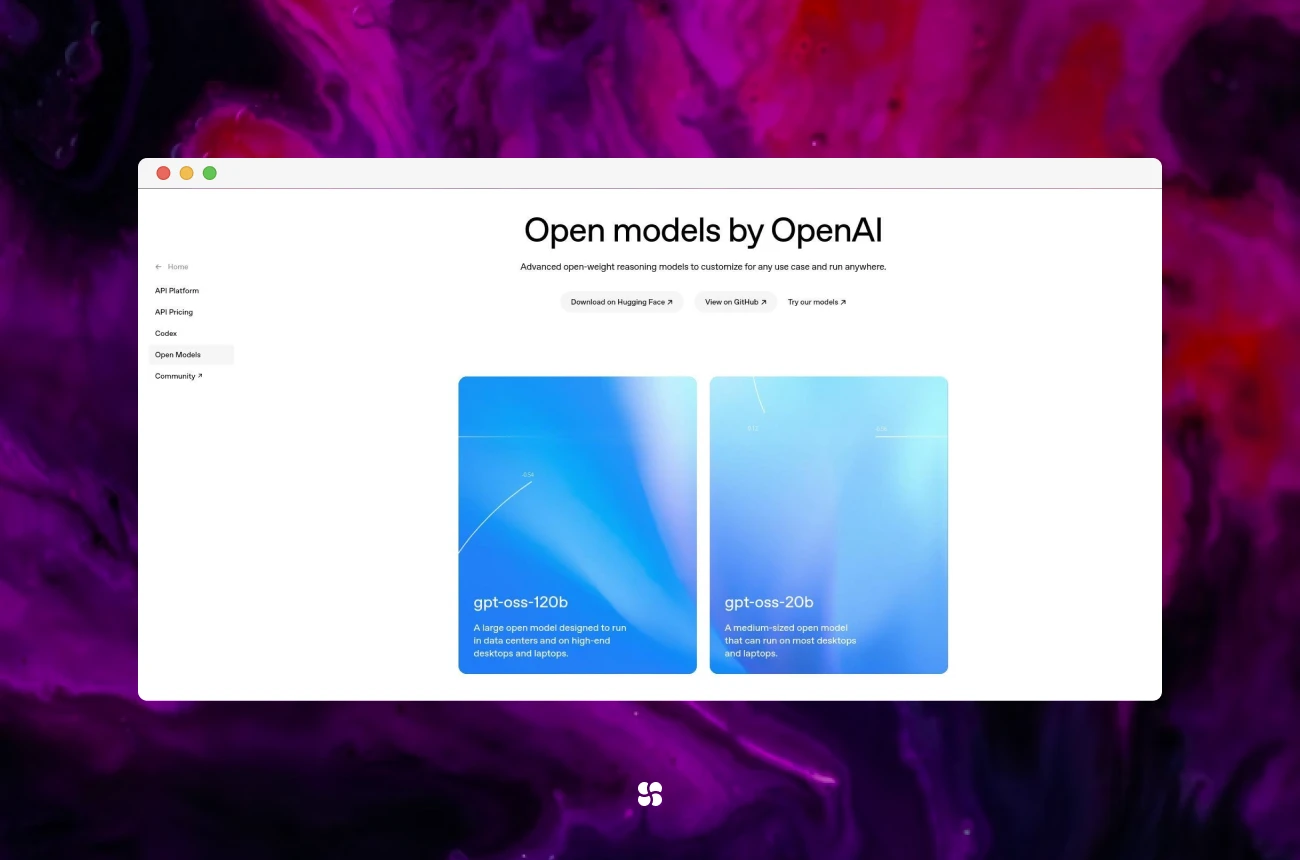
Preview: Two truly open-source GPT models just made “local-first” AI practical. We’ll show you how to run them on your machine, wire them into your automation stack (think n8n, agents, tools), and ship real use-cases—minus API limits, vendor lock-in, and surprise bills.
Why This Is a Big Deal (for devs and AI leaders)
We’ve all been there: an LLM that’s great… until rate limits, rising costs, or privacy constraints say “nope.” The GPT-OSS models change the equation:
- GPT-OSS:20B — fast, lightweight, solid for chat, routing, and everyday reasoning.
- GPT-OSS:120B — a heavyweight that reaches near-parity with o4-mini on core reasoning benchmarks; the 20B model matches/exceeds o3-mini on several evals.
Both use a Mixture-of-Experts (MoE) design: only a subset of parameters activates per token (~3.6B active for 20B; ~5.1B active for 120B). Translation: big-model quality with small-model efficiency. Add a 128k token context window, and you can reason over long docs, logs, and codebases without frantic chunking.
What this unlocks
- Zero API fees for internal workloads
- Full data control & privacy
- Deterministic deployments (pin model + build + prompts)
- On-prem/air-gapped options for regulated teams
TL;DR Setup Paths
Pick one path and you’ll be testing in minutes.
Path A — Run Locally via Ollama (Recommended)
- Install Docker Desktop.
- Install Ollama.
- Pull a model:
ollama pull gpt-oss:20b
# Optional heavy mode:
# ollama pull gpt-oss:120b- Run it:
ollama run gpt-oss:20b- Quick native REST test (non-OpenAI API):
curl http://localhost:11434/api/generate -d '{
  "model": "gpt-oss:20b",
  "prompt": "Give me 3 bullet points on why local LLMs matter.",
  "stream": false
}'
Path B — Hosted, Still “Open”: OpenRouter
If your laptop wheezes at 120B:
- Create an OpenRouter account and API key.
- Point your app to the OpenRouter endpoint.
- Select gpt-oss:20b or gpt-oss:120b from their catalog.
Great for prototyping large-model behavior without buying more GPUs.
Wiring Into Your Automation Stack (n8n Example)
We’ll use n8n (swap with your orchestrator of choice: Temporal, Airflow, LangChain agents, etc.).
1) Bring up the stack
Use Docker Compose to spin up n8n + Postgres:
# docker-compose.yml
services:
  n8n:
    image: n8nio/n8n:latest
    ports: ["5678:5678"]
    environment:
      - N8N_HOST=localhost
      - N8N_PORT=5678
    depends_on: [db]
    volumes:
      - n8n_data:/home/node/.n8n
  db:
    image: postgres:15
    environment:
      POSTGRES_USER: n8n
      POSTGRES_PASSWORD: n8n
      POSTGRES_DB: n8n
    volumes:
      - n8n_db:/var/lib/postgresql/data
volumes:
  n8n_data:
  n8n_db:
docker compose up -dOpen http://localhost:5678.
2) Connect the local model
You have two clean options:
Option A — n8n’s native Ollama nodes
- Add Ollama Model or Ollama Chat Model.
- Base URL:
http://host.docker.internal:11434(macOS/Windows).- On Linux, use the bridge network hostname (e.g.,
http://ollama:11434) or the container gateway IP.
- On Linux, use the bridge network hostname (e.g.,
- Choose the model from the dropdown (e.g.,
gpt-oss:20b).
Option B — OpenAI-compatible credentials in n8n
- Add OpenAI (or “OpenAI-compatible”) credentials.
- Base URL:
http://host.docker.internal:11434/v1 - API Key: any non-empty string (Ollama ignores but requires it syntactically).
- Model name:
gpt-oss:20borgpt-oss:120b.
Quick sanity tip: If requests fail, double-check whether you used the native Ollama API (no /v1) or the OpenAI-compatible API (with /v1), and that your model name uses the tag format (gpt-oss:20b), not a dashed name.
Production-Ready “Hello, Value” Use-Cases
Use-Case 1 — “Research → Draft → Review” Content Chain
Why: High leverage, high frequency, low risk.
Workflow
- HTTP Request → fetch docs or URLs
- Summarize (20B) → chunk & TL;DR
- Synthesize (120B for quality) → draft post/email/report
- Policy Check (regex/lint + a second 20B pass)
- Publish (GitHub PR, Google Doc, or CMS API)
n8n System Prompt (synthesis stage)
You are a precise technical writer. Combine the provided notes into a clear, factual draft.
- Keep claims grounded in the input.
- Use section headers and bullet lists.
- Include a short "Key Takeaways" box.
Return valid Markdown only.
Use-Case 2 — CRM Assistant: Look Up → Reason → Act
Why: Move from “chat” to “ops.”
Sketch (TypeScript-ish pseudo inside an n8n Function node)
(Pseudocode for clarity; in n8n you’ll typically wire Sheets + Gmail nodes rather than call helpers directly.)
const person = await sheets.lookup("Contacts", { name: "Ada Lovelace" });

const draft = await ai.chat({
  // Route heavy reasoning to 120B; use 20B for shorter summarization steps
  model: "gpt-oss:120b",
  system: "You write concise, warm follow-ups. 120 words max.",
  messages: [
    { role: "user", content: `Write a follow-up referencing her last demo on ${person.lastDemoTopic}.` }
  ],
  temperature: 0.2
});

// Validate content before acting (guardrail)
assert(!draft.includes("UNSUBSCRIBE") && draft.length < 1200);

await gmail.send({
  to: person.email,
  subject: "Next steps",
  html: draft
});

return { ok: true };
Reality check: In tool-call-heavy flows we’ve seen 20B occasionally produce duplicate “act” steps if you let it plan and execute in one shot. Two mitigations:
- Enforce a plan-then-act JSON schema (the agent must output a plan object first; a separate node executes it).
- Or switch this specific node to 120B for more reliable tool use.
Use-Case 3 — Long-Log Diagnostics (128k Context FTW)
Drop big logs in, ask for patterns:
cat /var/log/app/*.log | ollama run gpt-oss:120b \
"Identify top 5 recurring errors, likely root causes, and a prioritized fix plan."
Practical Client Code (OpenAI SDK → Local Ollama, OpenAI-Compat)
# pip install openai==1.*
from openai import OpenAI

# OpenAI-compatible endpoint (experimental in Ollama):
client = OpenAI(base_url="http://localhost:11434/v1/", api_key="ollama")

resp = client.chat.completions.create(
    model="gpt-oss:20b",   # use the Ollama tag
    messages=[
        {"role": "system", "content": "You are a terse senior engineer."},
        {"role": "user", "content": "Give me a 3-step plan to migrate cron jobs to Airflow."}
    ],
    temperature=0.2,
)
print(resp.choices[0].message.content)
Hosted fallback (same code path):
client = OpenAI(
  base_url="https://openrouter.ai/api/v1",
  api_key="<OPENROUTER_API_KEY>"
)
For the same job with a model that fits a single 48 GB card, deploying Qwen3.8-27B works through the VRAM arithmetic from the model's own config, the vLLM flags that change capacity, and the qualification card at the end.
Implementation Tips (Hard-Won)
- Model Routing (save $ and latency)
- 20B for: routing, summaries, metadata extraction
- 120B for: code generation, long-context reasoning, tool-heavy plans
- Guardrails First, Not Later
- Add JSON schema outputs for plan/act separation
- Validate before acting (email sends, API mutations)
- Prompt Contracts
- Treat prompts like API contracts; version them
- Log inputs/outputs for replay (and prod bugs)
- Context Diet
- Prefer short system prompts + tight examples to reduce drift
- Use retrieval; don’t paste the internet
- GPU Reality
- 20B: comfortable on ~16–24GB VRAM with quantization (throughput varies)
- 120B: plan for serious GPU (e.g., 80GB class) or use OpenRouter for that step
- Quantization helps; test Q4_K_M vs Q5_K_M trade-offs
- Throughput > Single-Query Speed
- Batch where possible
- Keep the pipe full; use streaming for UX
- Test with “Adversarial” Fixtures
- Similar contacts with different domains
- Emails that should never be sent (e.g., unsubscribed)
- Logs with overlapping error signatures
| Criterion | GPT-OSS:20B | GPT-OSS:120B | Mixtral-8x7B | Llama-3-8B/70B | vLLM (server) | LM Studio |
|---|---|---|---|---|---|---|
| License | Open | Open | Open | Open | N/A (serving) | App |
| Strength | Fast routing, summaries | Deep reasoning, coding, long context | Strong MoE generalist | Broad ecosystem & finetunes | High-throughput inference | Zero-Dev desktop runner |
| Context | 128k | 128k | 32–64k typical | 8–128k variants | Depends on backend | Depends on model |
| Best Fit | Agents glue, RAG extract | Agents that act, code & plans | Middle-ground quality/perf | Ecosystem & staffing ease | Serving fleets | Local testing/demo |
| Trade-off | May stumble on complex tool calls | Heavier infra needs | Balanced behavior | Varies by quant/finetune | Infra to own | Fewer server knobs |
Our rule of thumb: 20B routes and summarizes; 120B thinks and acts. If you’re infra-constrained, Mixtral is a solid middle ground. If you want the biggest ecosystem, Llama-3 variants are easy to staff for.
Security & Privacy Checklist (Pin This)
- Keep chain-of-thought internal; never display to end users
- Secrets in a dedicated vault; no plaintext env in shared repos
- PII minimization in prompts and logs
- Output validation on every “act” node
- Model & prompt versioning
- Dataset red-teaming before rollout
- Egress controls when claiming “fully private” local inference
Troubleshooting (Fast Fixes)
- n8n can’t reach the model
- Native Ollama node →
http://host.docker.internal:11434(macOS/Windows) - OpenAI-compat node →
http://host.docker.internal:11434/v1 - Linux → use bridge hostname (e.g.,
http://ollama:11434) or gateway IP
- Native Ollama node →
- Duplicate actions (e.g., two emails) on 20B
- Enforce plan-then-act schema (separate nodes), or
- Switch the “act” node to 120B for reliability
- OOM on 120B
- Try lower-precision quant (Q4), reduce batch size, or run 120B via OpenRouter for that step
- Weird drift
- Lower temperature, shorten the system prompt, provide one strict example
Key Takeaways (Tape these above your desk)
- Local-first is real now. GPT-OSS gives GPT-class results without API strings attached.
- MoE makes big models efficient. ~3.6B/5.1B active params per token = practical performance.
- Use the right model for the job. 20B for glue, 120B for brains.
- Design for action. Read → Reason → Fetch → Act is where ROI lives.
- Ship observability. If you can’t measure it, you can’t scale it.
A Parting Nudge
We’re collectively moving from “LLMs as chat” to LLMs as systems. The teams who win won’t just prompt better, they’ll wire models into tools, data, and decisions with discipline.
If you’ve been waiting for the moment to go local, this is it. Spin it up. Point it at something useful. Watch latency drop, bills calm down, and velocity jump.
See you on the other side, where your AI runs on your terms.
Tega AdeyemiOctober 13, 2025