
A fast, human-friendly map of 30+ tools—so we use the right one, skip the noise, and get back to work.
We’ve all done it.
We search something harmless like “best onboarding email sequence,” and Google replies with an AI Overview that sounds like it already met our client, read our mind, and drank our coffee.
Then we open Gemini, stumble into Labs, hear about NotebookLM, Gems, Opal, AI Studio… and suddenly we’re holding 12 “AI hammers” and still can’t hit the nail.
So here’s the deal: Google has 30+ AI tools right now. You don’t need to master them. Most you can ignore. But a few are quietly unfair advantages—if we know where they live and what they’re for.
We’re going to sort the whole ecosystem into 7 buckets, then pull out the handful worth using with simple examples.
The 7 Buckets
- Core text stack: Gemini
- Swiss Army tools: NotebookLM, Gems, Opal
- Developer tools: AI Studio + friends
- Labs: the experimental playground
- Creative/media: Nano Banana, V3, Flow, etc.
- Small/local models: Nano, Astra, Gemma
- Embedded everywhere: Workspace, Search, Android, Maps, YouTube, Lens
Now let’s pick the winners.
Gemini is one of four tools worth knowing here, and they are good at different things. Best AI for deep research splits them by job (Perplexity for checkable sources, Claude for evidence that disagrees, Gemini for speed, ChatGPT for polish) and covers the part the comparisons skip: how to check a report before you forward it.
1) Gemini: Not Just Chat - Deep Research Is the Point
Gemini sits at the core of Google’s text stack. Most people use it like a chatbot.
But where it really shines is Deep Research—the “read a lot, synthesize cleanly, don’t melt down” kind of work.
Example:
We’re prepping for a client strategy call.
“Analyze the competitive landscape for boutique fitness studios in Austin. Identify top competitors, positioning, pricing signals, and marketing angles. Then propose 3 differentiation strategies for a new studio targeting busy professionals.”
That’s not a clever prompt. That’s just business. Gemini’s Deep Research loves this.
Gemini Advanced (Paid): The Big Upgrade
Gemini Advanced unlocks a 1M token context window—basically a massive working memory.
Translation: it can handle “here’s a pile of docs, keep everything straight” without forgetting what we said 6 messages ago.
2) NotebookLM: The Anti-Hallucination Workhorse
NotebookLM gets attention for flashy outputs (podcasts, infographics, even video-style content). Cool.
But the killer feature is this:
It stays grounded in the sources we upload.
Other models might “helpfully” wander into training data or the internet and accidentally invent facts. NotebookLM is the rare tool that behaves like a grown-up.
Example:
We upload:
- brand guidelines
- past newsletters
- product brief
- testimonials
Then ask:
“Write a landing page section in this exact voice. Use only these sources. Add notes on which source supports each claim.”
That’s how we stop shipping confident nonsense.
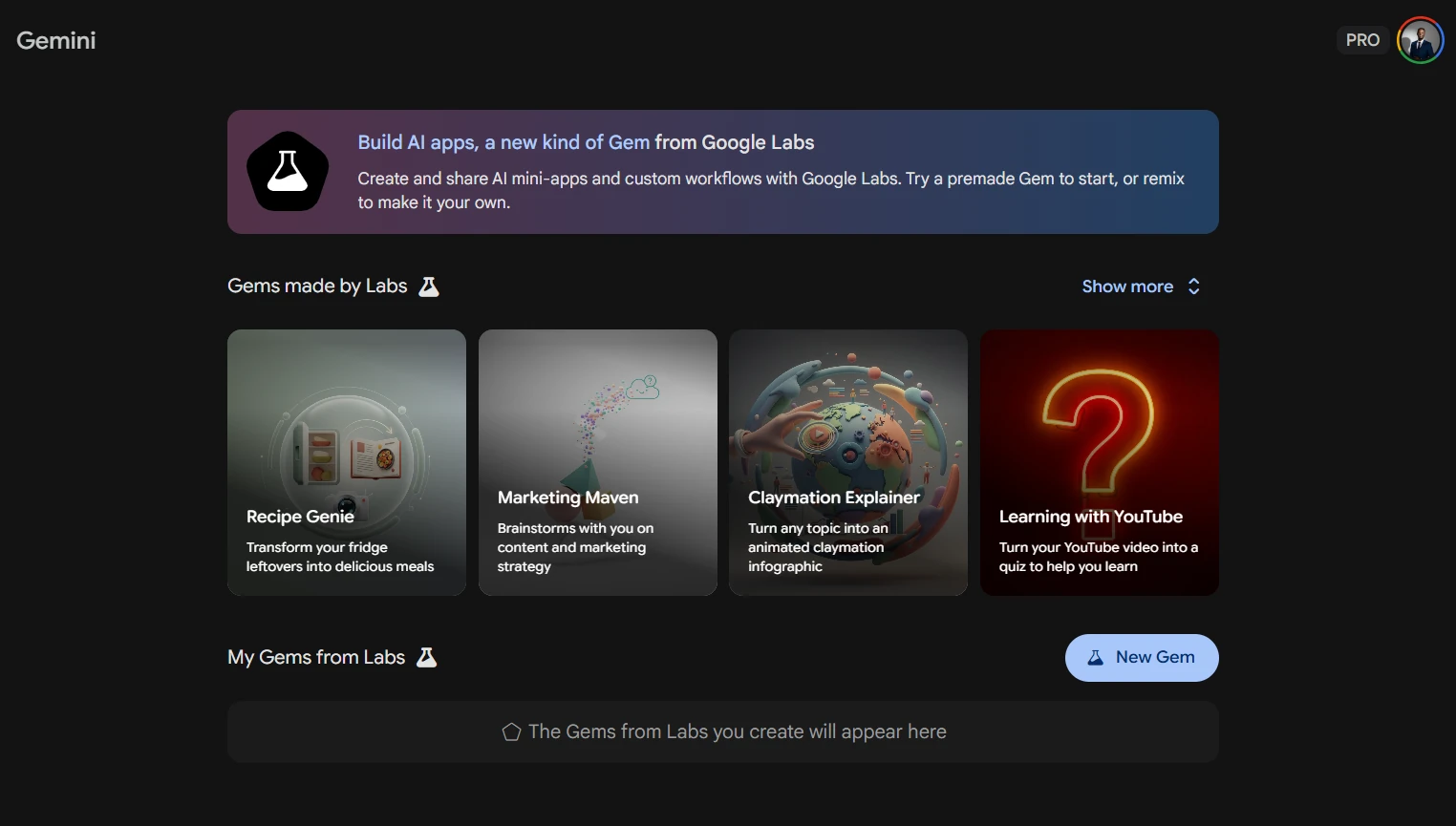
3) Gemini Gems: Assistants That Do One Job Really Well
Gems are Gemini-powered assistants (agents) we can tailor.
We use them for:
- proposals
- quarterly planning
- onboarding docs
- recurring client deliverables
Example Gem: “Proposal Builder”
Feed it our packages + pricing rules + past proposals.
Then paste discovery notes → it generates a clean proposal draft.
No more reinventing the wheel every Tuesday.
4) Opal: Simple Automations That Don’t Make Us Hate Life
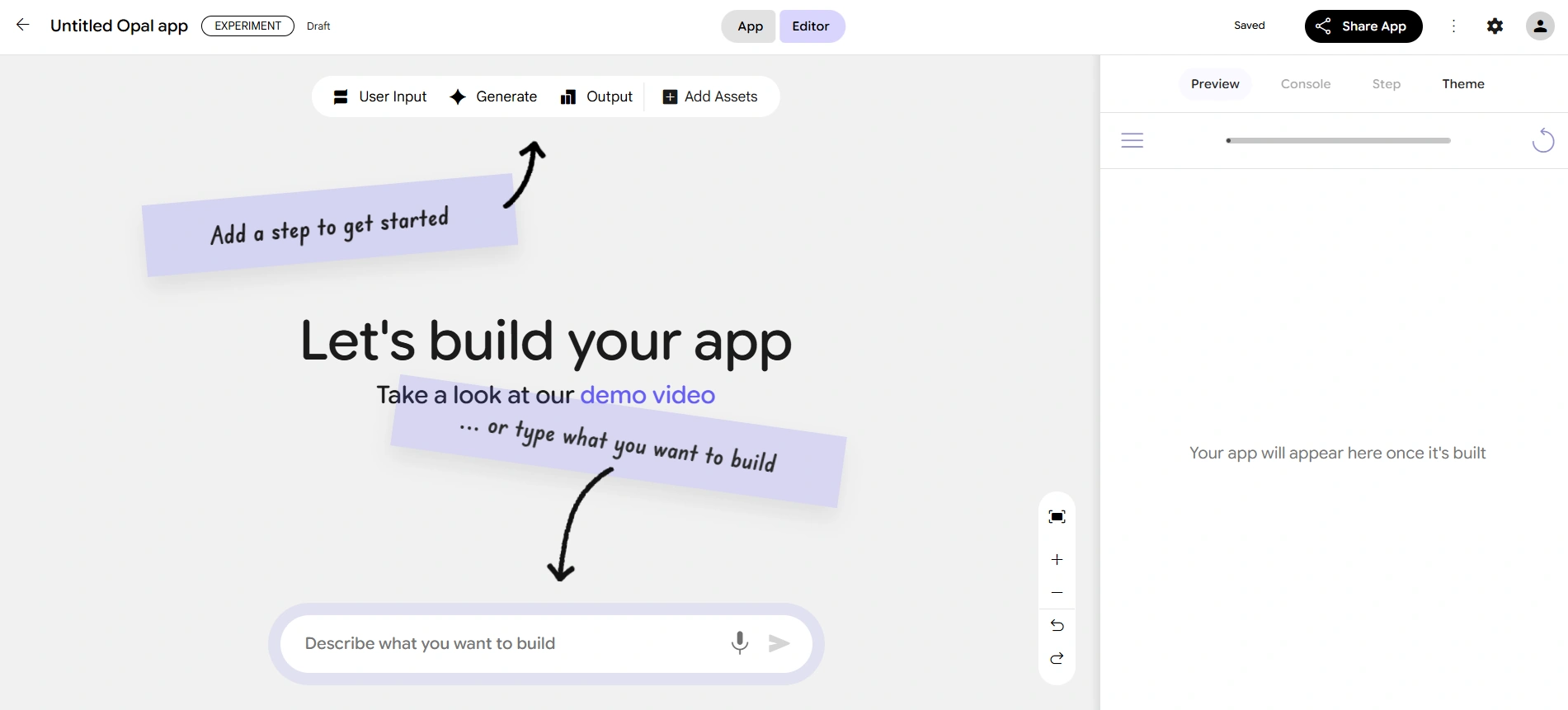
Opal is Google’s automation tool—like Zapier/Make/n8n, but simpler.
That’s the point: it’s not trying to be everything, so it’s easier to get wins.
Example workflow:
New form response → Opal triggers a Gem → drafts a proposal outline → saves to Google Docs → emails us the link.
5) Google AI Studio: Why Everyone’s Confused and When It’s Worth It
AI Studio started as a developer testing area, but it’s become a place where non-developers experiment too.
Think of it as:
- a prototype playground
- a place to test models, prompts, structured outputs
- “stronger access” in some ways than Gemini chat
Important: it’s not where we build full complex software end-to-end (yet). It’s for experimenting and prototyping.
Other dev tools exist too (Firebase Studio, anti-gravity, Jules, Stitch, Gemini Code Assistant, Gemini CLI). Useful—especially if we build.
But if we’re building serious code today, the practical recommendation still stands:
Cursor + Claude is currently the most reliable for complex coding.
6) Google Labs: Where the Next Big Thing Will Escape From
NotebookLM and Opal both started in Labs. That’s the tell.
If we only do one “ecosystem habit,” it’s this:
Key takeaway: Check labs.google regularly.
That’s where Google experiments publicly—some duds, some gems, some future defaults.
One example: Pimelli
It scans a site, generates a “business DNA” (brand voice/vibe), then produces social posts with images + copy based on what it finds.
Also worth a peek:
- Mixboard (mood boards)
- learning apps
- Disco
- Gen Tabs (turns open tabs into a custom interactive app)
7) Creative & Media: Nano Banana + V3 = “Wait, We Can Make Films Now?”
Two big ones:
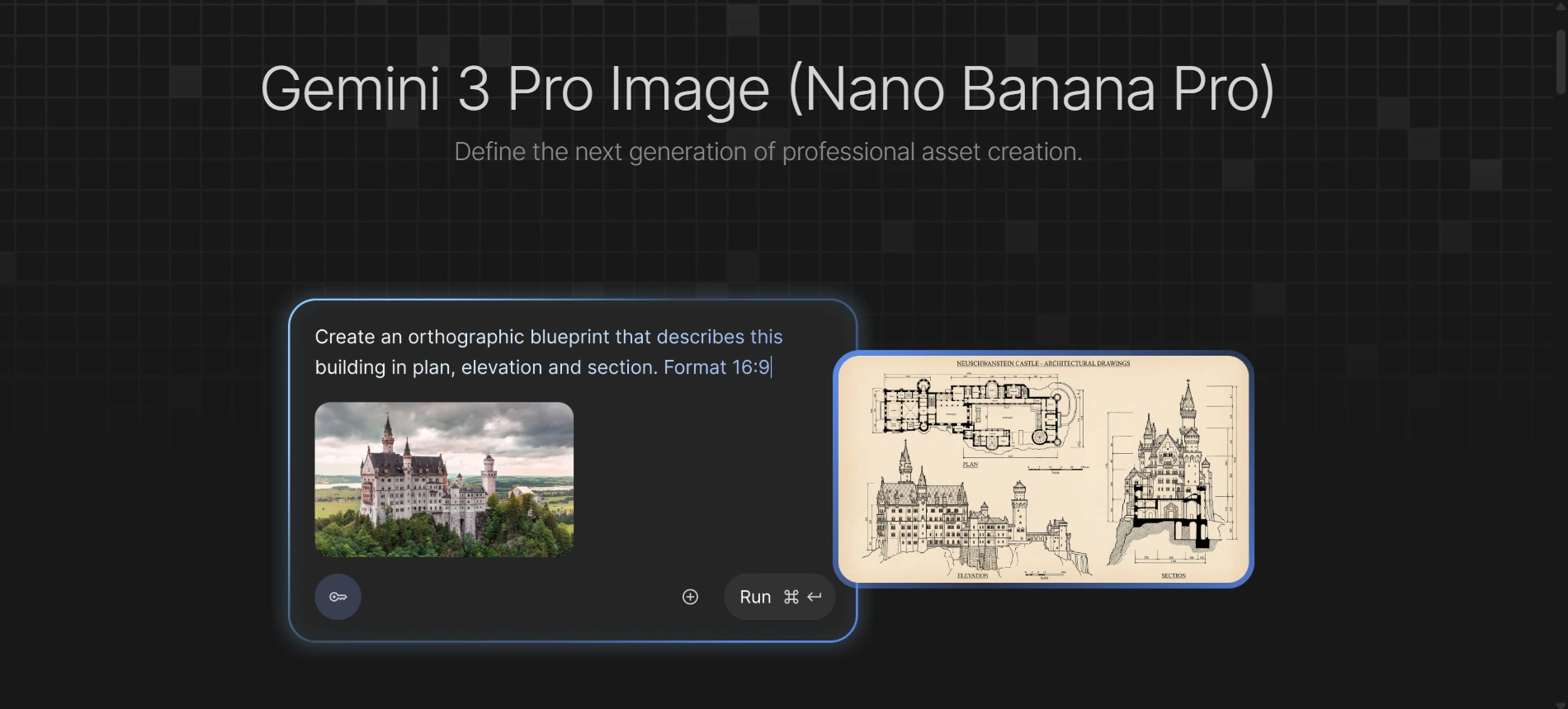
Nano Banana
Not just image generation—image editing + manipulation that unlocked character consistency.
That’s the difference between “random art” and “a repeatable brand/story.”
V3
High-quality video plus dialogue/audio. That combo is what pushed AI video from “neat” to “production-adjacent.”
Want more pro workflows? Tools like th.ai and freepik.com make it easier to run these tools through pipelines.
Want to stay inside Google? Try Flow.
The Only Tools We Actually Need to Start
If we want the 80/20 without the headache:
- Gemini Deep Research → serious research + synthesis
- NotebookLM → grounded writing from our sources
- Gems → repeatable assistants for real work
- Opal → automations that save hours
- labs.google → the “future radar”
Everything else is optional until we have a specific use case.
And if we ever feel overwhelmed, we can remember the golden rule:
Use a hammer for nails. Stop swinging the saw.
Tega AdeyemiJanuary 23, 2026